

I’ve built topical maps for e-commerce stores, SaaS platforms, local service businesses, and affiliate sites, more than 120 of them at this point, all using the same underlying framework. Every time a client asks me what a topical map actually is, I give them the same answer:
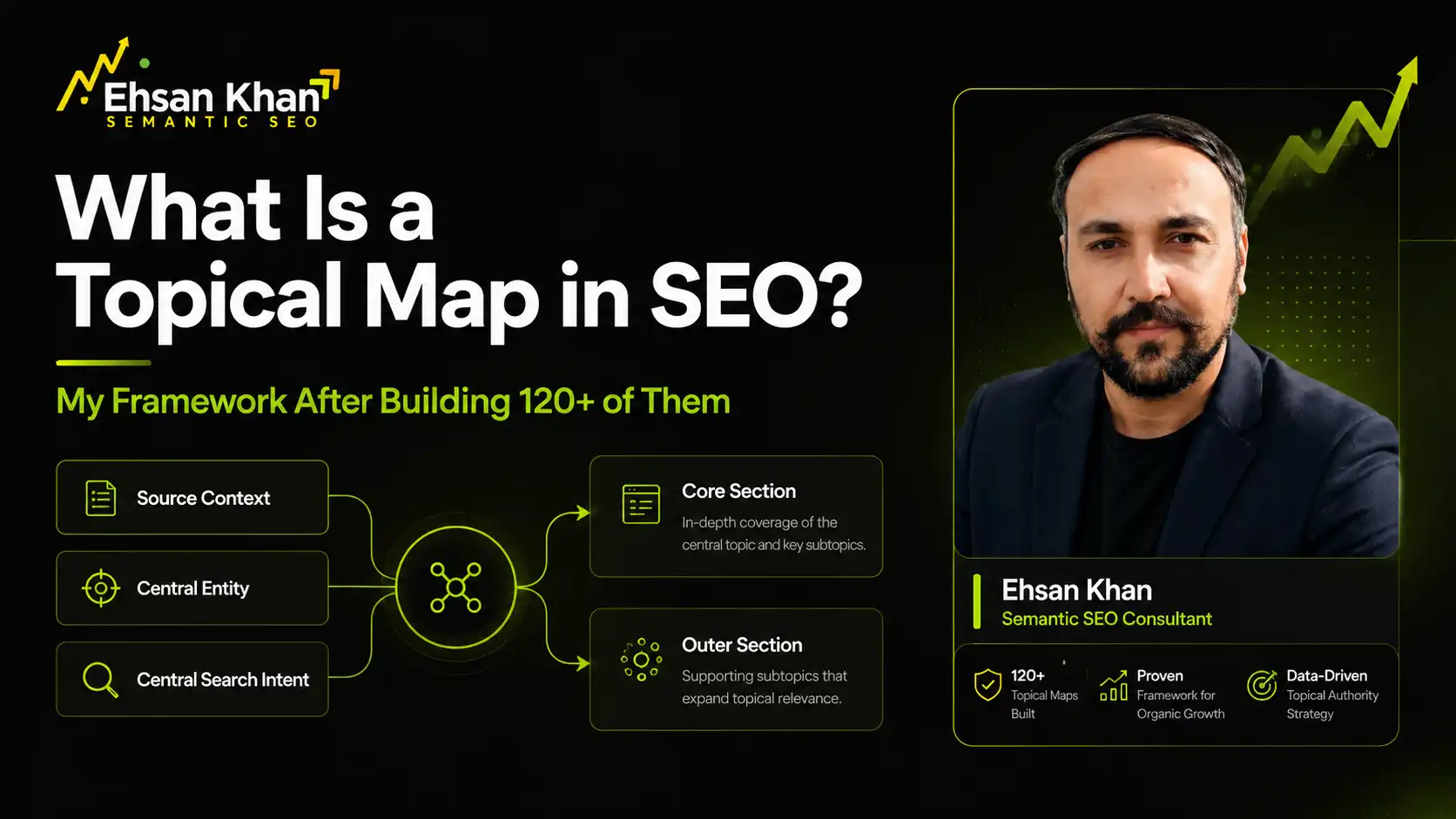
It’s a structured plan that defines every topic a site needs to publish, built from three inputs, Source Context, Central Entity, and Central Search Intent, and sorted into two sections, Core and Outer, based on how essential and relevant each topic is. It’s not a spreadsheet of blog ideas. It’s the architecture that decides whether a site can even compete for topical authority in the first place.
I got trained on this framework directly through Koray Tuğberk GÜBÜR’s Topical Authority and Semantic SEO course, and I’ve since had my own topical mapping work directly acknowledged by Koray. What I’m walking through below is exactly how I apply it when I sit down to build a map for a client, not a textbook summary of the theory.
The 3 Questions I Answer Before I Touch a Single Topic
Before I add one topic to a map, I answer 3 questions for the client’s site. Skip any of these and the map falls apart later, no matter how well-researched the topic list looks.
Why does this site deserve to rank at all? This is Source Context, the business model and monetization method behind the site. I’ve seen agencies skip this step entirely and jump straight to keyword clustering. The problem is that without Source Context, there’s no way to tell whether a high-volume topic actually belongs on the site or just looks attractive in a keyword tool.
What is this site actually about, at its core? This is the Central Entity, the one subject every page has to trace back to. For a client selling project management software, the Central Entity is project management software. It sounds obvious until you’re 40 topics deep into a map and half of them have drifted into general productivity content that has nothing to do with the product.
What do I want the Central Entity and Source Context to produce together? This is Central Search Intent, and it’s the piece most people miss entirely. It’s not “project management software” as a topic. It’s “evaluate and buy project management software” as the governing intent for every page on the site. That single sentence is what keeps a 150-topic map from turning into 150 unrelated articles.
Where Every Topic Lives: Core Section or Outer Section
Once I have those 3 answers, every candidate topic gets placed in one of two sections.
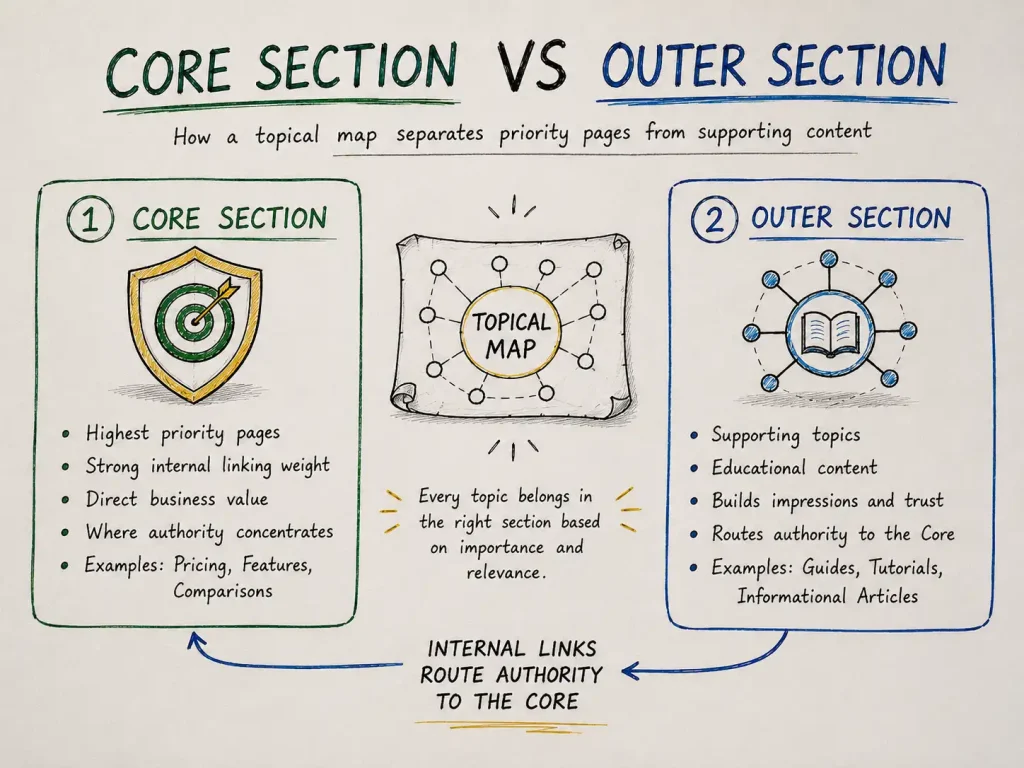
Core Section is where the money pages live, the ones with the highest Prominence and Relevance to the Source Context. For the SaaS client, that’s the feature pages, the pricing page, and the head-to-head comparison pages against competitors. These are the pages I build the entire internal linking structure around.
Outer Section is everything that supports the Core Section without converting directly. For that same SaaS client, it’s articles like “how to run a sprint retrospective” or “agile vs waterfall for small teams,” content that proves the site understands the subject deeply, and quietly routes authority back to the Core pages through internal links.
I tell clients this distinction is the single most common thing agencies get wrong. They treat every page as equal weight, which spreads internal linking thin and gives Google no signal about which pages actually matter.
A Walkthrough From My Actual Process
Here’s how this plays out in practice. Say I’m building a map for a project management SaaS client.
Source Context: A SaaS company selling project management software on a monthly subscription, targeting small-to-mid-size teams.
Central Entity: Project management software.
Central Search Intent: Evaluate and buy project management software.
I take a candidate list of topics and score each one on Prominence, Relevance, and Popularity, all out of 10, then run them through the PPR formula, which I’ll break down properly in the next section.
| Topic | Prominence | Relevance | Popularity | PPR Score / My Call |
|---|---|---|---|---|
| Best Project Management Software for Small Teams | 9 | 10 | 8 | 9.2 — Core, direct buying intent |
| Project Management Software Pricing Comparison | 8 | 9 | 7 | 8.2 — Core, buying-decision content |
| How to Write a Project Charter | 5 | 7 | 6 | 6.0 — Outer, builds credibility |
| Remote Team Communication Best Practices | 4 | 6 | 5 | 5.0 — Outer, related but secondary |
| How to Improve Work-Life Balance | 2 | 3 | 8 | 3.8 — Rejected, high demand, no relevance |
That last one is the one clients push back on almost every time. Work-life balance content gets real search volume, and I understand the temptation to include it. But a project management SaaS has no Source Context reason to build authority on general wellness content. It scores 3.8 and gets cut. This is the exact decision that separates a topical map from a keyword list dressed up as one.
How I Score Every Topic: The PPR Method
I run every candidate topic through the same formula on every project:
PPR Score = (Prominence × 0.40) + (Relevance × 0.40) + (Popularity × 0.20)
Prominence and Relevance carry equal, heavier weight because they determine whether a topic belongs on the site at all. Popularity gets less weight on purpose. I’ve built maps where a topic with modest search volume made the Core Section because it scored high on Prominence and Relevance, and I’ve rejected topics with strong volume because they had no real connection to the Source Context.
My rule of thumb after running this on 120+ maps: if Prominence and Relevance are both above 8, I include the topic almost regardless of Popularity. If Relevance drops below 5, I reject it almost regardless of Popularity. The middle ground is where judgment actually matters, and it’s the part no automated tool handles well.
The Mistake I See Most Often
The single most common mistake I see, from in-house teams and agencies alike, is treating keyword research as if it were a topical map. It isn’t, and the difference matters more than most people think.
Keyword research tells you what people are typing into Google. It says nothing about whether a specific term belongs on a specific site. A topical map takes that same keyword data and runs it through a filter, Source Context and PPR scoring, before any topic earns a page. I’ve taken over client accounts with beautifully researched keyword lists, hundreds of well-chosen terms, and still had to rebuild the entire content plan because nobody had asked whether those terms actually served the site’s Source Context.
Keyword research is an input into my process. It is never the process itself.
How Many Topics Is Enough? My Rule of Thumb
Clients ask me this on almost every call, and I give them the same honest answer: it depends on how broad the Source Context is, not on a number I picked in advance.
For a narrow, single-product site, I typically land somewhere between 30 and 60 topics once everything below the PPR threshold gets cut. For a mid-size SaaS or multi-category e-commerce client, that range moves to 100 to 250. For enterprise or multi-market sites, I’ve built maps well past 300 topics, because the Source Context genuinely spans that much ground.
The number isn’t the target. The scoring is. I finish a map when every topic that clears the PPR threshold has a home in Core or Outer, and everything that doesn’t clear it has been cut, whatever number that leaves me with.
How I Know a Map Is Actually Working
I check the same signals on every client account, usually starting 60 to 90 days after the first batch of pages goes live.
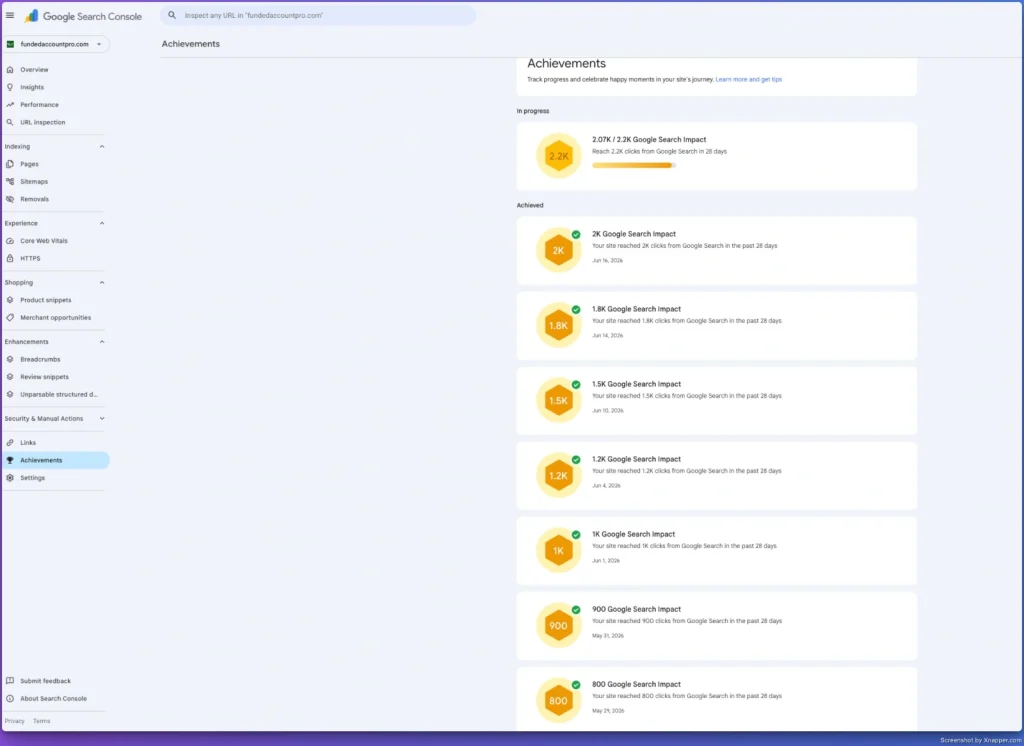
Impressions should be climbing across the whole published set in Search Console, not just on one standout page. Rankings within the same Core Section should start clustering into a similar position range, evidence Google is reading them as one connected subject. No two pages should be trading position for the same query, that’s a sign a topic got scored or placed wrong. And newer pages added to an established Core Section should start ranking faster than the very first pages did, which tells me the site’s Cost of Retrieval is genuinely dropping as the structure matures.
When I don’t see that pattern, I go back to the scoring, not the writing. Nine times out of ten, the fix is in how the topics were placed, not how the pages were written.
Work With Me on Your Topical Map
If you want a topical map built the way I have described above—with Source Context and Central Entity defined, every topic PPR-scored, and Core and Outer Sections properly separated—that is exactly what I deliver through my semantic SEO consulting work. You can also read more about my background and Koray Framework training on my about page.
Work With MeFrequently Asked Questions
Do you build topical maps for every type of business?
Yes. I’ve built them for e-commerce stores, SaaS platforms, local service businesses, and affiliate sites. The framework stays the same across all of them, Source Context, Central Entity, Core and Outer Section, PPR scoring, but the ratio of Core to Outer content and the specific topics differ based on the business model.
How is your process different from an AI-generated topical map?
AI tools can generate topic lists quickly, but they can’t define a client’s actual Source Context or apply PPR scoring with real strategic judgment. I use AI tools to speed up research, including a custom GPT I built specifically for attribute evaluation, but every scoring decision and every Core/Outer placement gets reviewed manually before it goes into a client’s map.
Were you trained directly by Koray Tuğberk GÜBÜR?
I completed Koray Tuğberk GÜBÜR’s Topical Authority and Semantic SEO course through Holistic SEO & Digital, and my topical mapping work has since been directly acknowledged by Koray himself. I can share that recognition with clients on request.
How long does it take you to build a topical map?
For a smaller site, 30 to 60 topics, I typically deliver in 5 to 10 business days. Larger, mid-size or enterprise maps take longer in proportion to how many candidate topics need PPR scoring and Source Context review.
Can I see an example of a topical map you’ve built?
Yes, I share sample maps and results during consultations, and some anonymized examples are available through my semantic SEO consulting page.
Propagate the Intel

Transmission Feed